
The place where space admins can configure the app’s basic rules, such as:
How to find space settings
-
Go to the space you’ll use the QC Documents app.
-
Click the three dots next to the space name and select Space settings.
-
In the left list, open the Integrations menu.
-
Click QC Documents.
-
Navigate to the Settings tab.
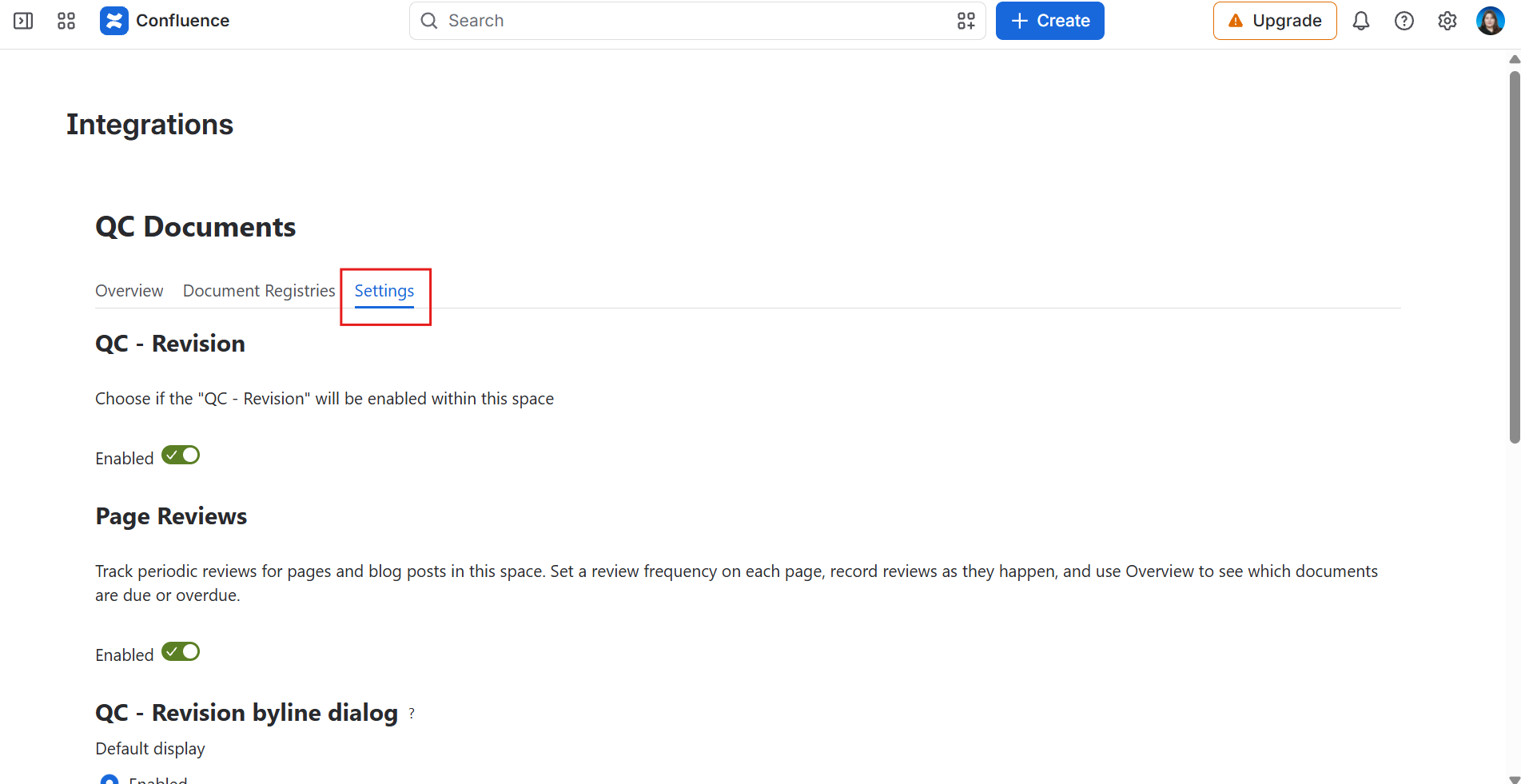
What you can do in space settings
-
Enable/disable the app for the space,
-
Enable/disable page reviews,
-
Set the default display for the QC Revision byline dialog, or
-
Configure the app’s date format.