
This place is accessible only to site admins. From here, you can:
-
Synchronize your site’s citations and QC Citation macros
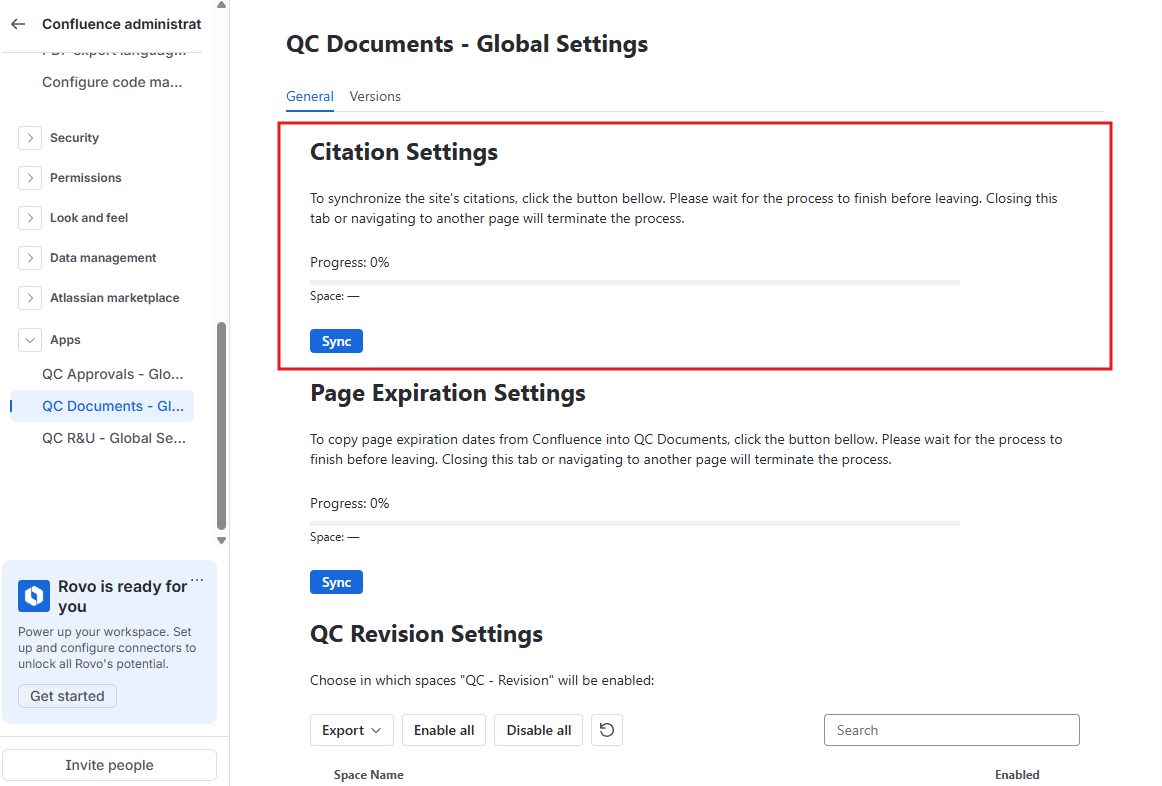
-
Synchronize page expiration dates
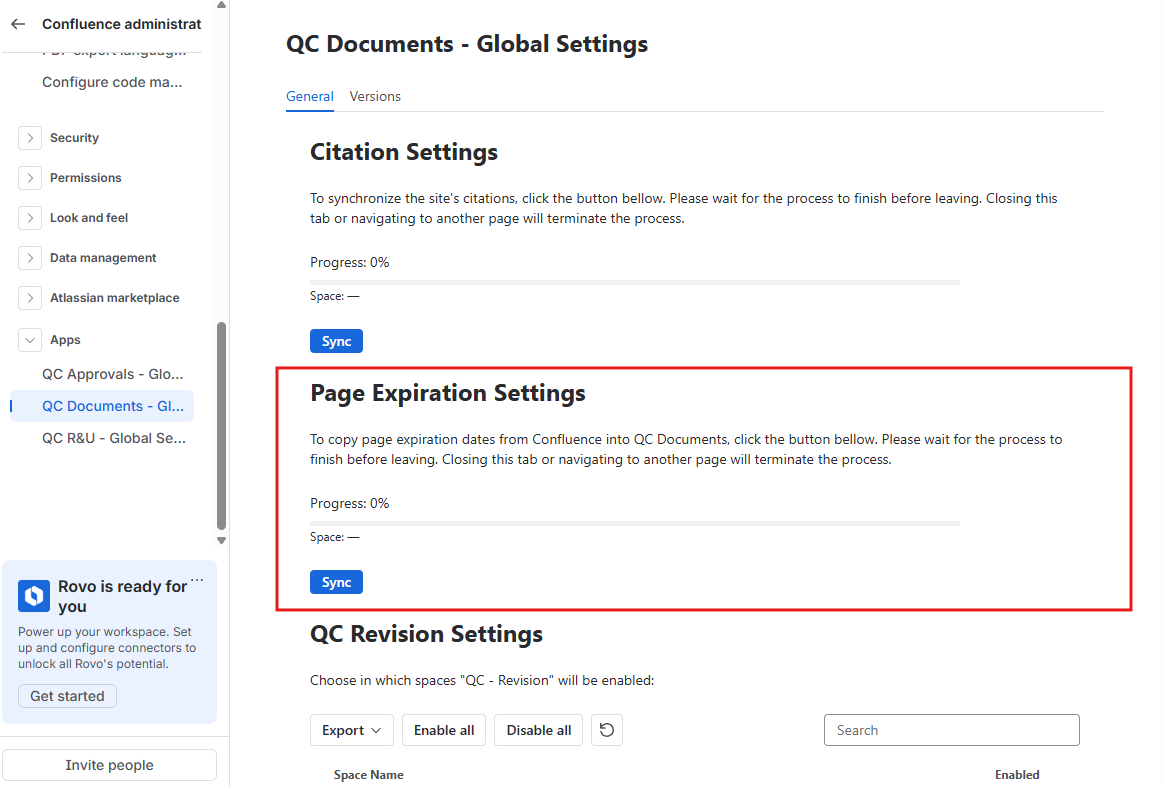
-
Decide which spaces the QC Documents will be enabled or disabled in.
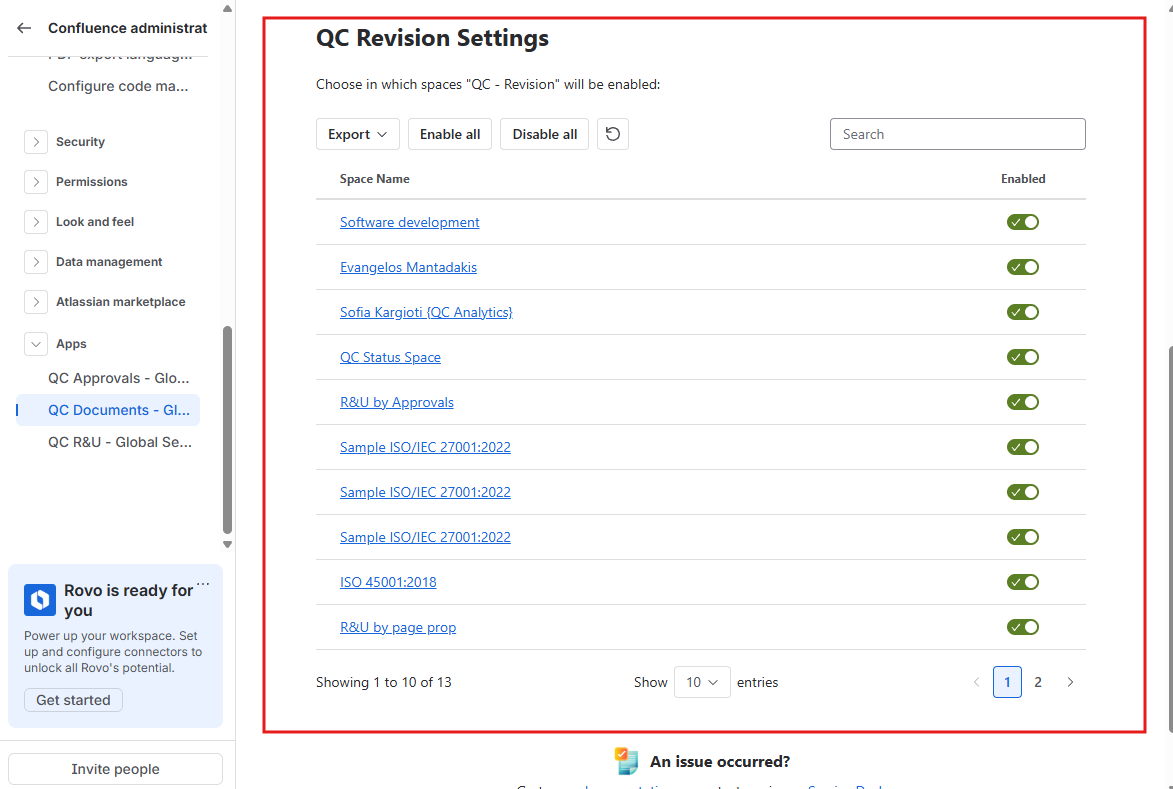
To find the Global settings:
-
In the top right of Confluence, click the gear (Confluence administration).
-
Open Apps.
-
Click QC Documents - Global Settings.