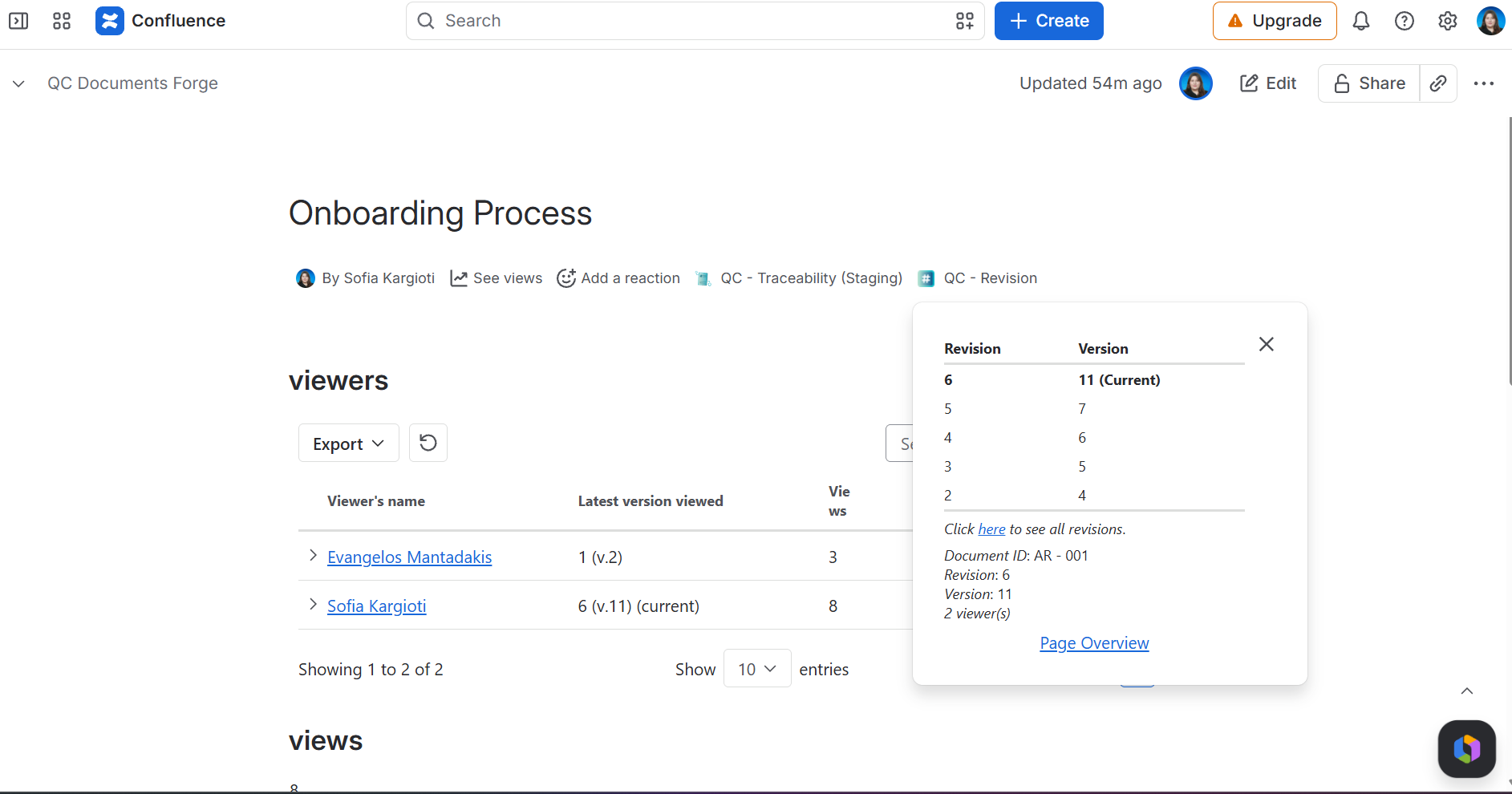
In each Confluence page, right below the title, there is a line of icons and app names called the Byline dialog.
Open QC - Revision byline to:
-
See the QC Revision Values set for each Confluence version
-
See if the page belongs to any registries
-
Have a quick glance at how many people have viewed the page
-
Navigate to QC Documents - Page Overview by clicking the Page Overview link.