Open QC R&U - Global Settings
-
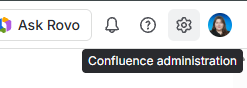
In the top right of Confluence, click the gear (Confluence administration).
-
In the administration left sidebar, click Apps.
-
Click QC R&U - Global Settings.
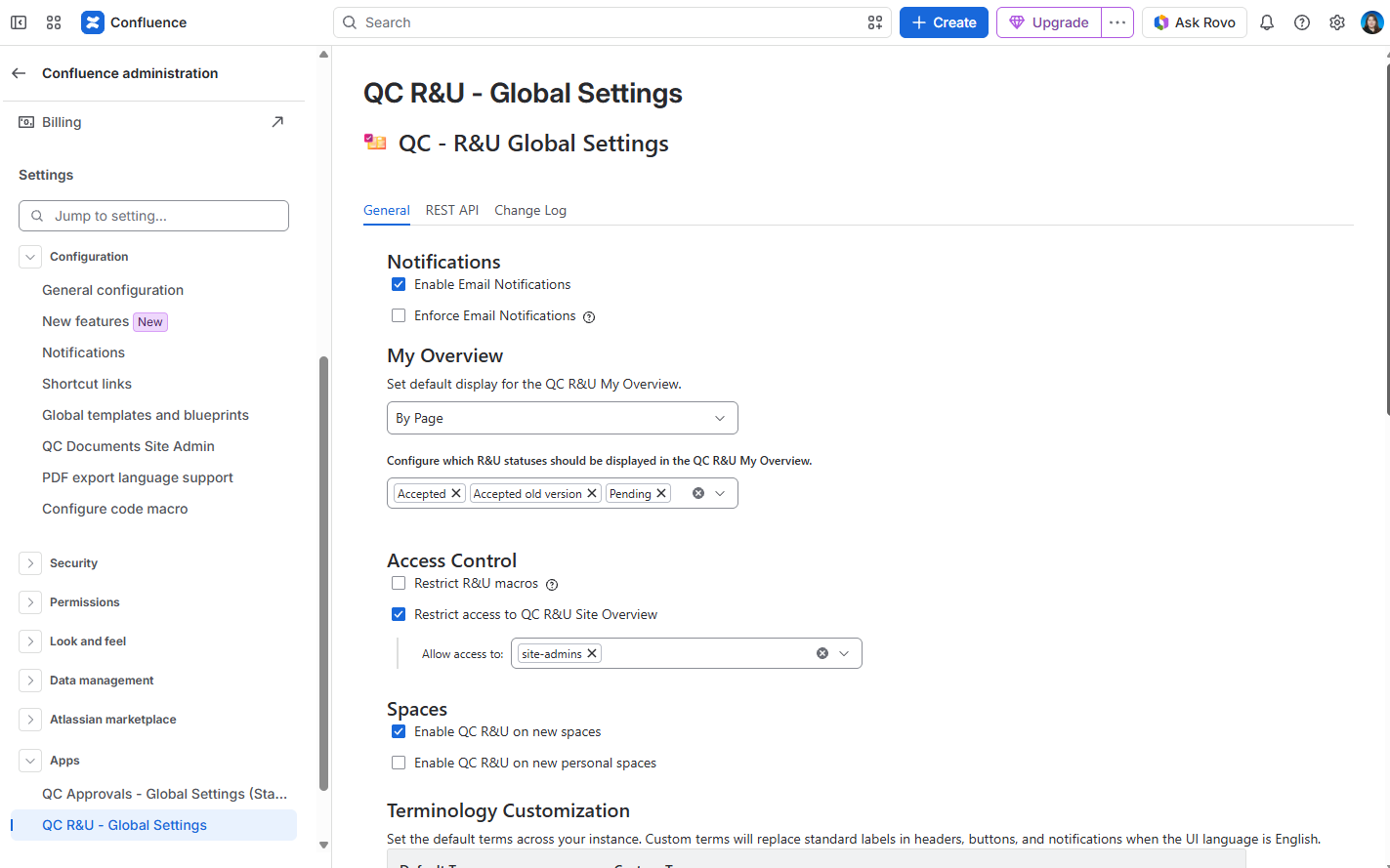
You should see: Heading QC - R&U Global Settings and tabs General, REST API, Change Log.
General
|
Area |
What it does |
|---|---|
|
Email notifications |
Master switch. Off: nobody gets R&U mail. Enforce means people cannot opt out in Personal Settings. |
|
My Overview statuses |
Which statuses appear in everyone’s My Overview table. |
|
Spaces table |
Enable or disable the app per space (together with the space’s own Enabled toggle). |
|
Restrict reporting macros |
Only selected groups can insert/view table macros. Signature Box and byline stay available. |
|
Terminology |
Rename table headers such as Page / Reviewer. |
|
Site Overview access |
Limit who can open the Site Overview tab. |
REST API
REST API is the token table, where you can create, edit, and delete tokens. Contact us for the API documentation.
Tokens are user-specific. Only the person who created a token can use it.
Open the REST API tab
-
In the top right of Confluence, click the gear (Confluence administration).
-
In the administration left sidebar, click Apps.
-
Click QC R&U - Global Settings.
-
Click REST API.
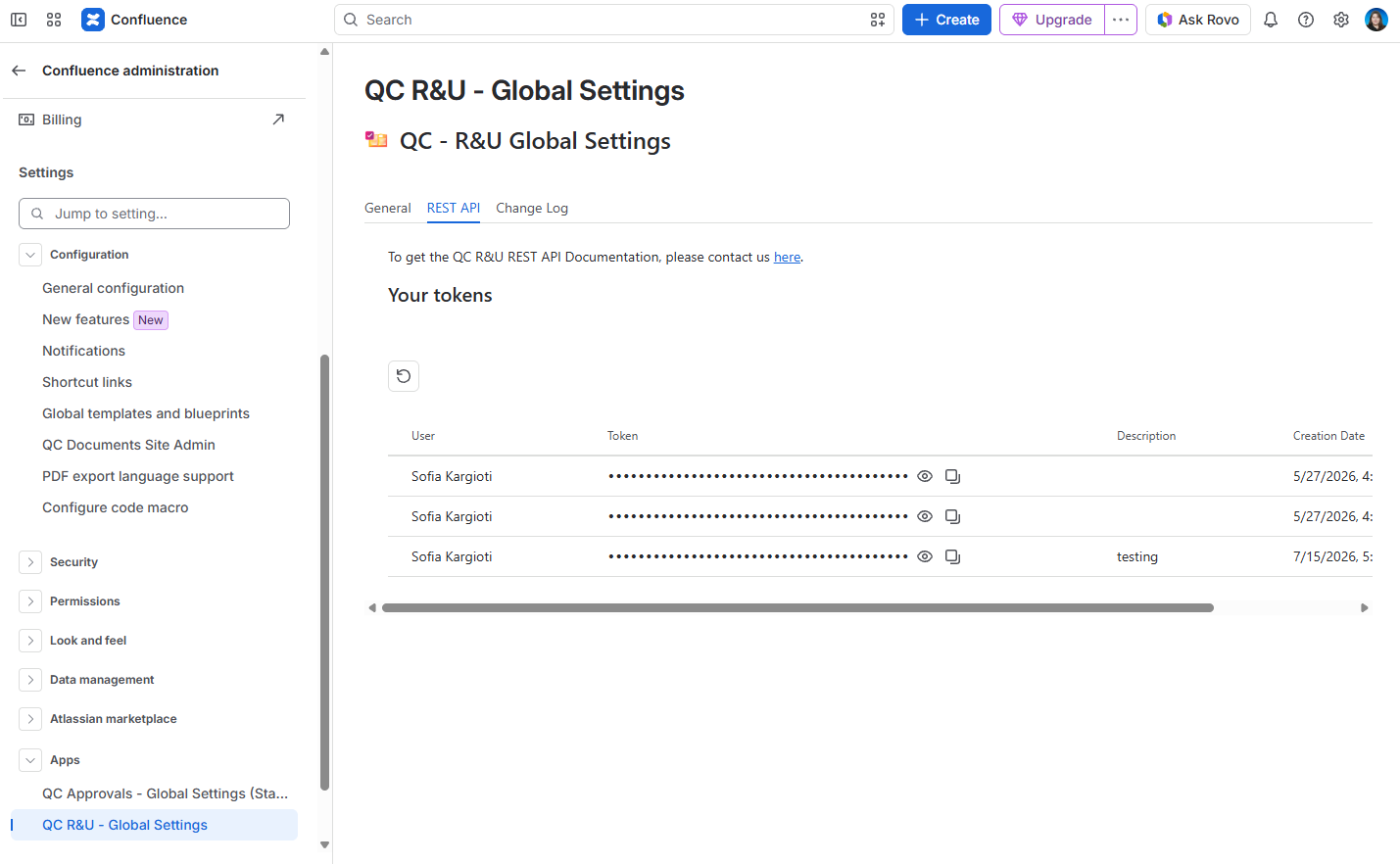
You should see: Heading Your tokens, a Create Token button, and a table with User, Token, Description, and Creation Date.
Create a token
-
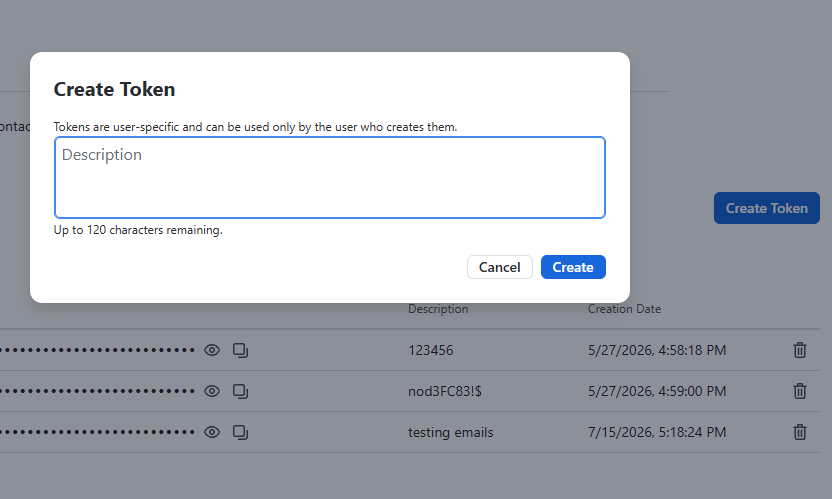
Click Create Token.
-
Type a Description (up to 120 characters) so you can tell tokens apart later.
-
Click Create.
You should see: A new row in Your tokens. The token value is masked (dots) until you show or copy it.
Show, copy, delete
On the token row:
-
Show / Hide — reveal or mask the token
-
Copy — copy the token to the clipboard
-
Delete — remove the token so it can no longer be used
Treat a copied token like a password. Do not paste it into a page that other people can view.
If the table is empty, you have not created a token yet. Click Create Token.
Change Log
Change Log is populated with the product’s release notes and does not replace your space history.