How it works
-
Open the QC Analytics store and subscribe to Brand Customization for QC R&U Email Notifications.
-
After you subscribe, raise a Service Desk ticket with us with this information:
-
the domain that should send the mail (for example
mail.your-company.com) -
your company logo
-
your colour scheme
-
-
We then authenticate your domain in order for the branded emails to arrive reliably.
-
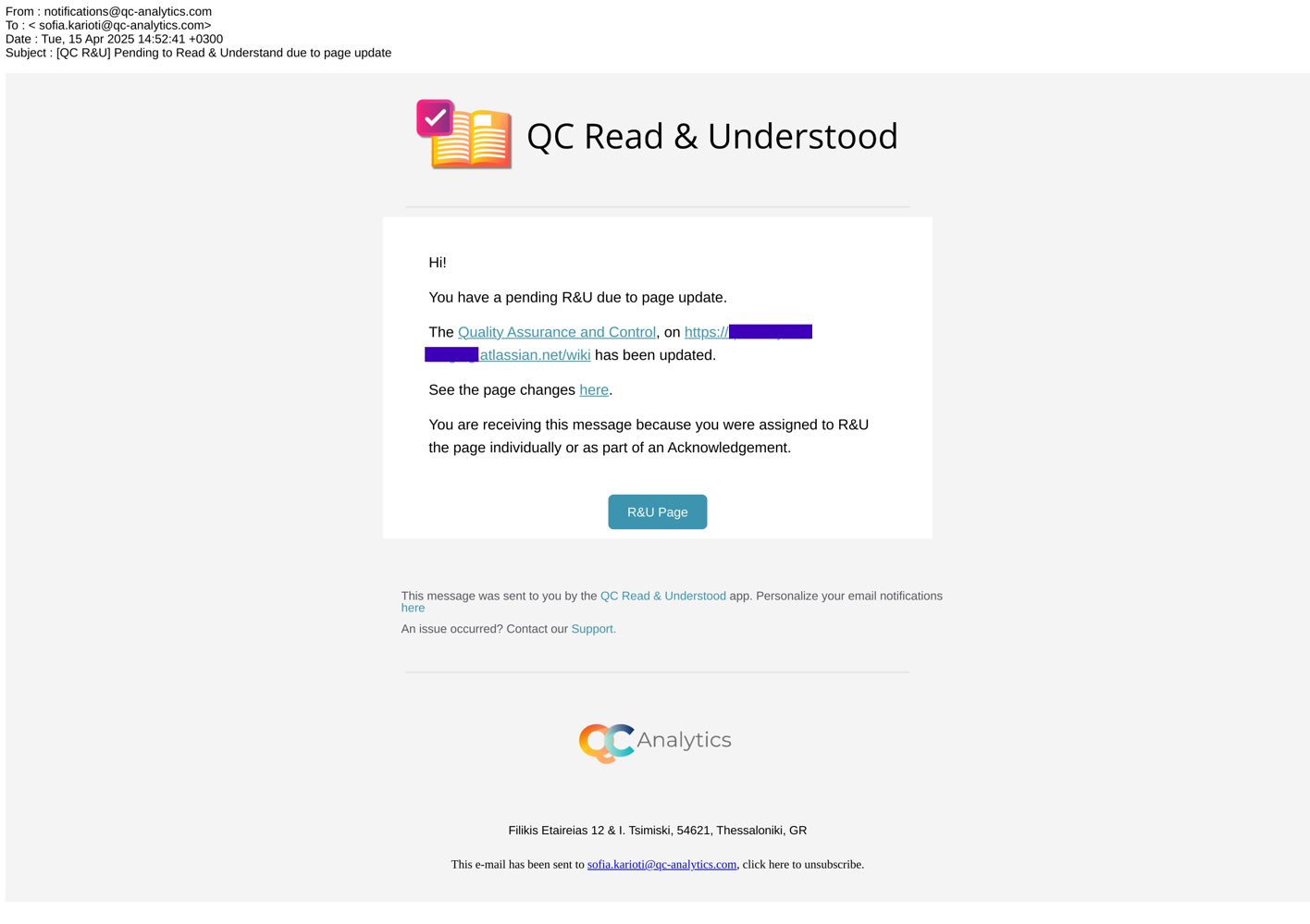
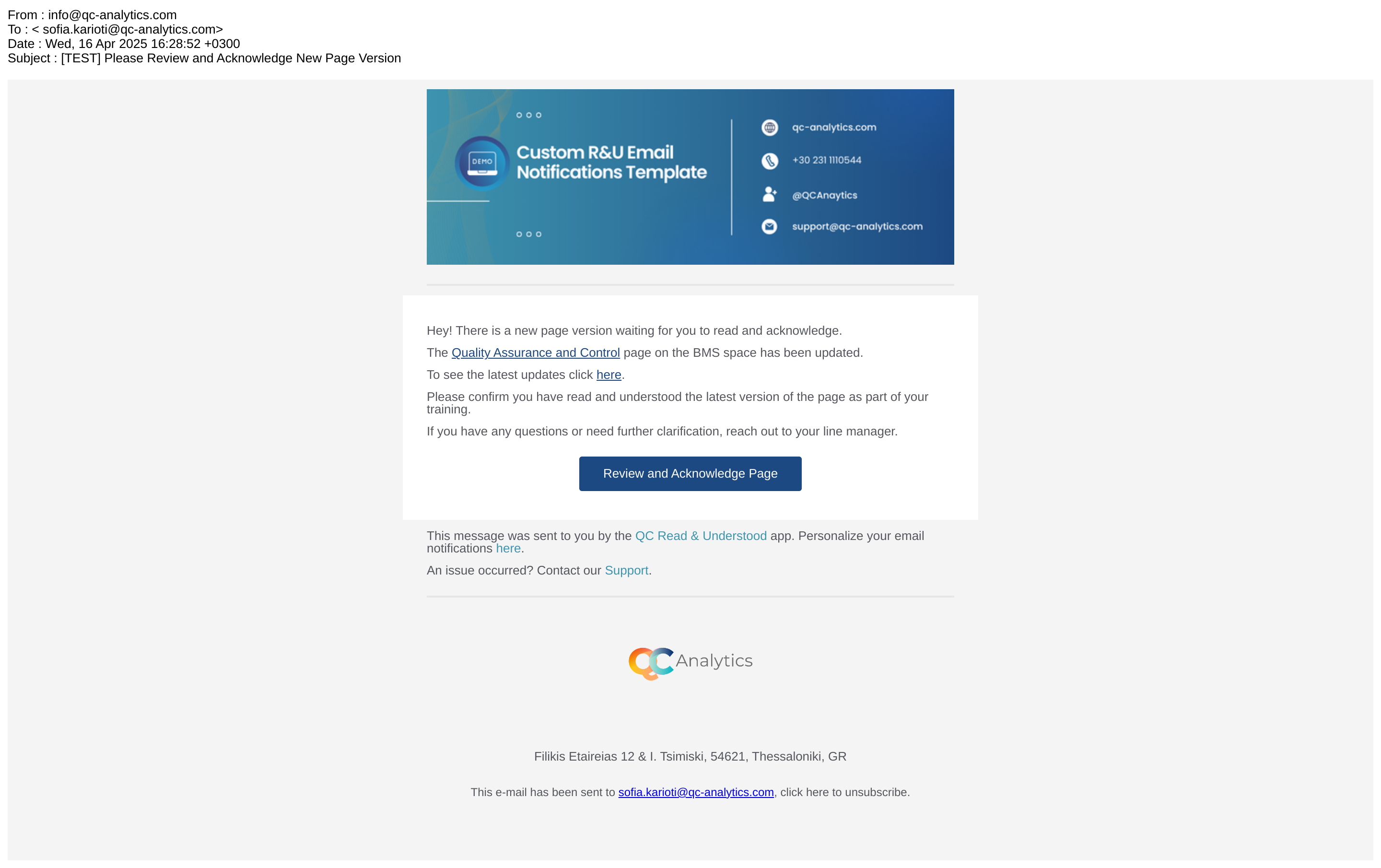
After we apply the logo and colours to the R&U email template, we will send you a draft for your feedback.
-
When we have the okay from you, we will test all R&U notifications and release your custom emails.
Once your custom email notifications are released to your site, you should see your company’s logo and colours, and the emails will be sent from the authenticated domain.