As a simple user, you are responsible for configuring your personal settings. To do this:
-
Log in to your Confluence Cloud account
-
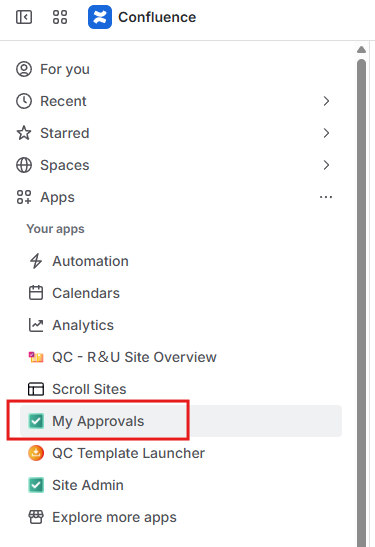
From the left sidebar, click on the “Apps” menu and select the “My Approvals” option
-
Navigate to the “Settings” tab.

Here, you can define your Role and create a Token or set up two-factor authentication.
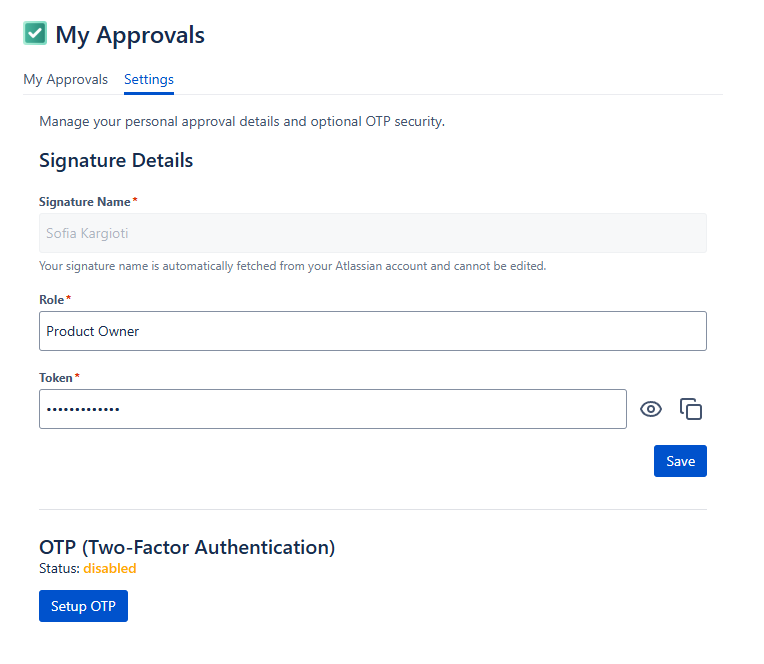
Role: This is a text field that can be edited at any point. Please note that what you type in the “Role” field will be displayed in your signature details once you’ve signed a page version.

Token: Create a Token to use when signing a page version. This is a text field that can be edited at any point, and there are no restrictions as to what a token could look like.

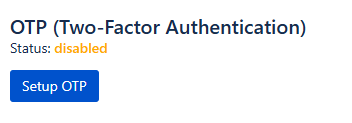
OTP (Two-Factor Authentication): Some approval templates may require you to use OTP while signing a version. To enable and set up two-factor authentication, simply click the “Setup OTP” button and follow the steps as seen on your screen.